Palette
Palette Selection Window
When selecting a palette to use with Position Generator, a window will open like the one below. On the left are pages 1 through 12, and on the right are the palette slots for the selected page.
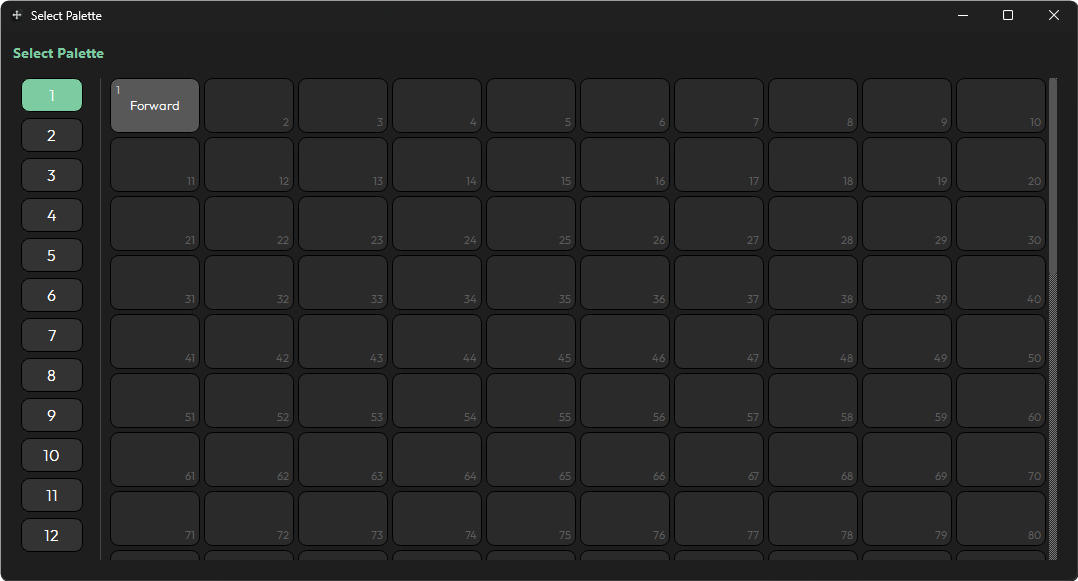
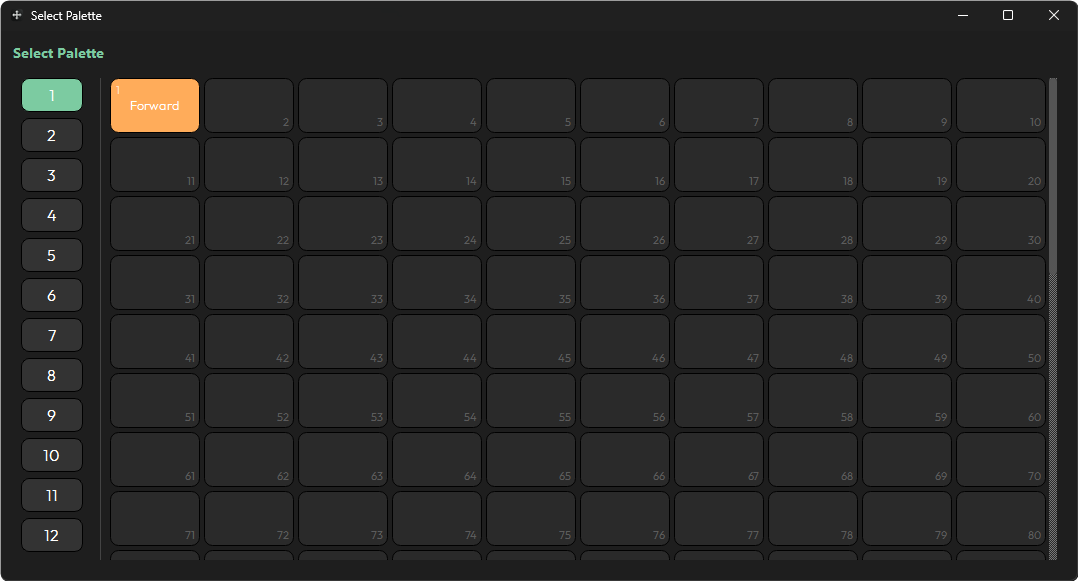
When selecting a palette, you must click it. On the first click it will highlight in orange — this does not yet mean it is selected, but it is queued for selection. To confirm it as the palette of choice, click it again.
info
If you store a position palette using Position Generator and want to use that new palette as the reference palette, you must refresh the palette list. If you used Auto Detect to connect, press Auto Detect again. If you manually entered the console IP address, press Refresh.