Group
Group Selection Window
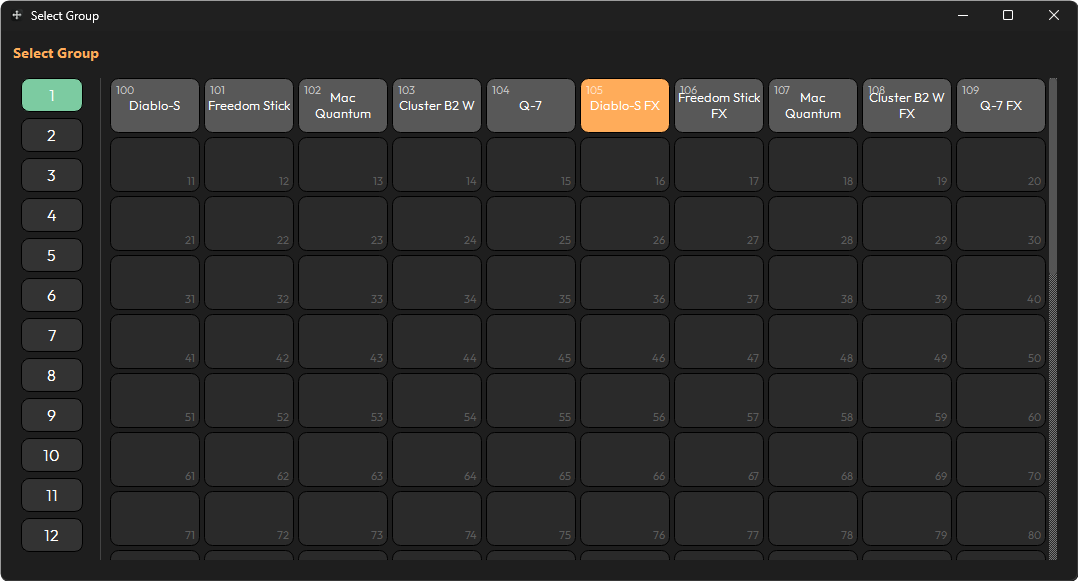
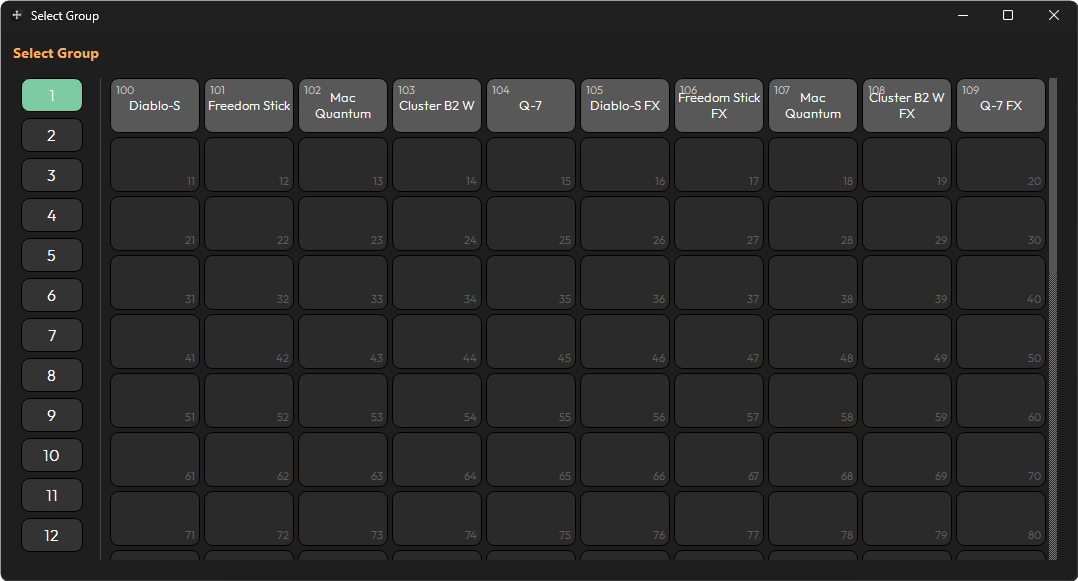
When selecting a group to use with Position Generator, a window will open like the one below. On the left are pages 1 through 12, and on the right are the palette slots for the selected page.
When selecting a group, you must click it. On the first click it will highlight in orange — this does not yet mean it is selected, but it is queued for selection. To confirm it as the group of choice, click it again.