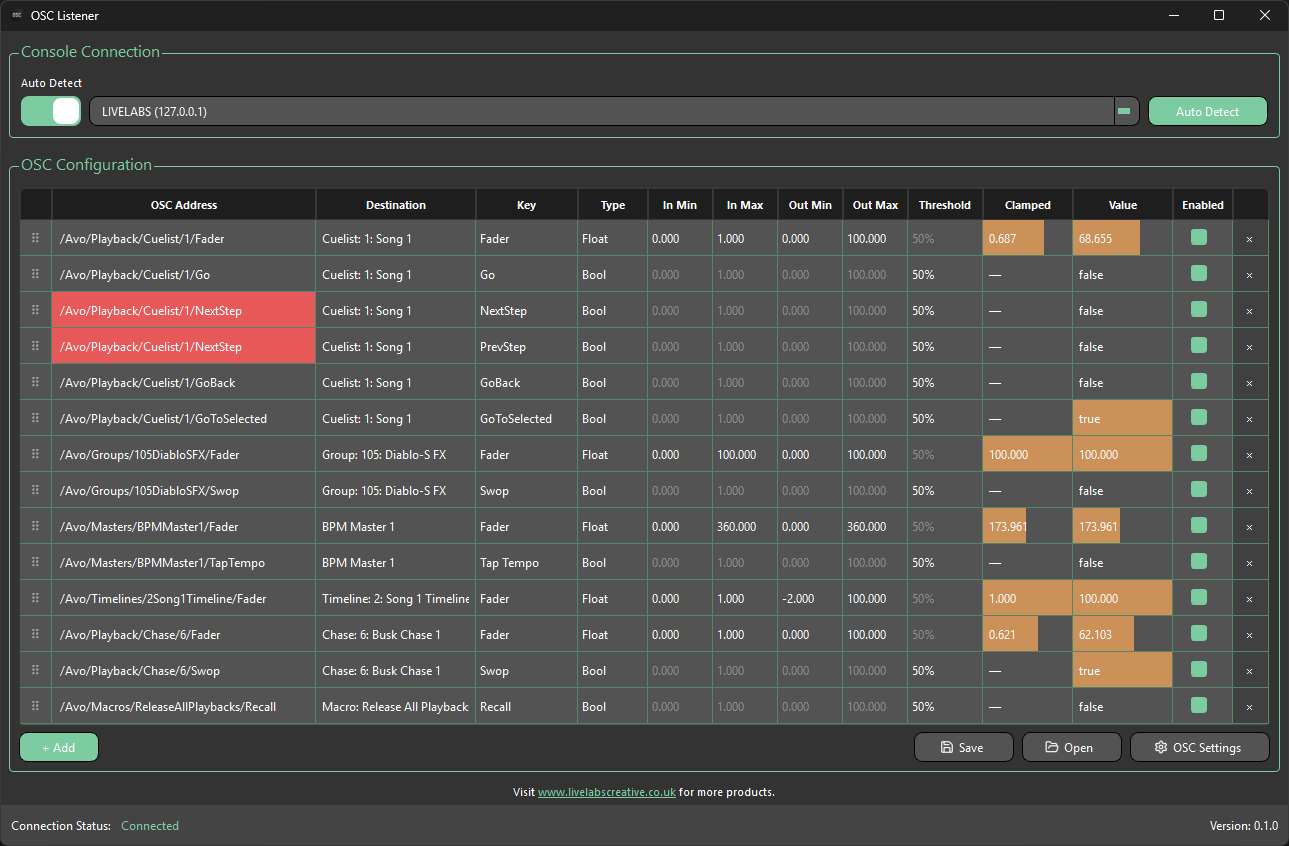
OSC Settings
Opened via the OSC Settings button, this dialog controls the network settings OSC Listener uses to receive and, optionally, forward OSC values, along with mapping table protection behaviour.
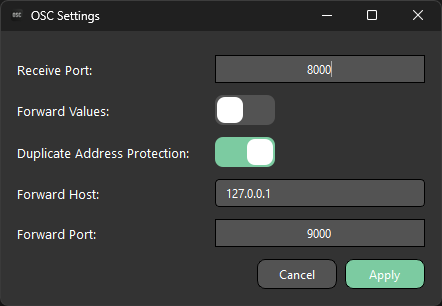
| Setting | Description |
|---|---|
| Receive Port | The UDP port OSC Listener listens on for incoming OSC messages. Defaults to 8000. |
| Forward Values | When enabled, converted values are sent back out as OSC float messages, in addition to being sent to Titan. |
| Duplicate Address Protection | See Duplicate Address Protection below. Enabled by default. |
| Forward Host | The IP address converted values are forwarded to. |
| Forward Port | The UDP port converted values are forwarded to. Defaults to 9000. |
Press Apply to save changes, or Cancel to close without applying them.
Changing the Receive Port takes effect immediately — OSC Listener stops listening on the old port and starts listening on the new one.
All settings on this dialog are remembered between launches, so there's no need to reconfigure your ports every time the app is opened.
Duplicate Address Protection
Every row in the mapping table has an OSC address, and by default two rows can never share the same one:
- Editing an address by hand to match another row's rejects the change — the field flashes red and reverts.
- When a new row is added, if its automatically generated address would collide with an existing one, a number is appended to keep it unique.
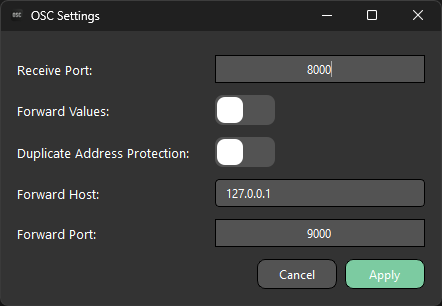
When Duplicate Address Protection is off, that restriction is removed, which is useful if you deliberately want one incoming OSC address to drive several Titan destinations at once (for example, one fader controlling two playbacks together). With protection off, addresses can be freely duplicated, and rows will not turn red even if they share the same address.
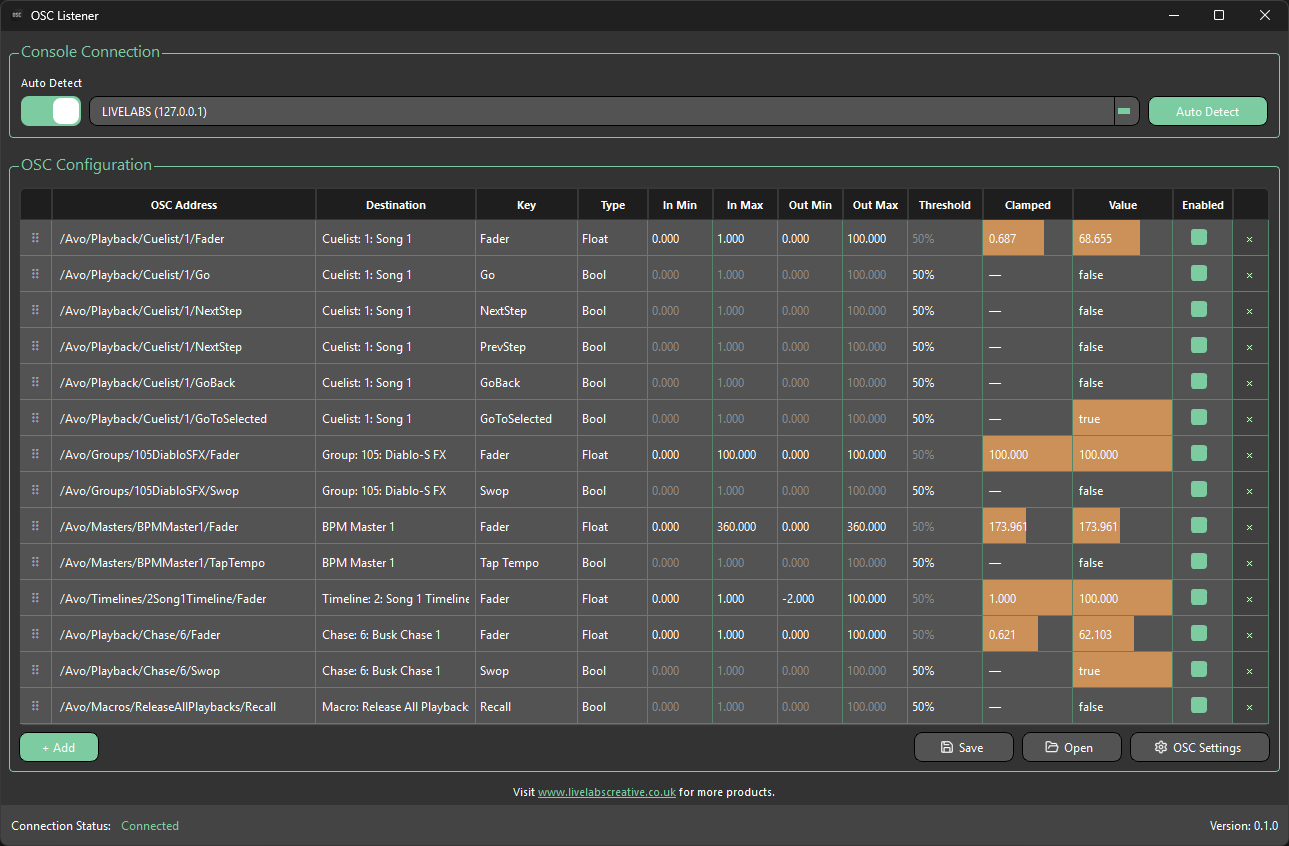
If protection is switched back on while duplicate addresses already exist in the table (created while it was off), every row involved in a clash pulses red continuously until the clash is resolved or protection is turned off again.