Patch Report
Patch Report Window
Once importing has finished, a patch report window will open. This shows which fixtures were patched, skipped, or failed.
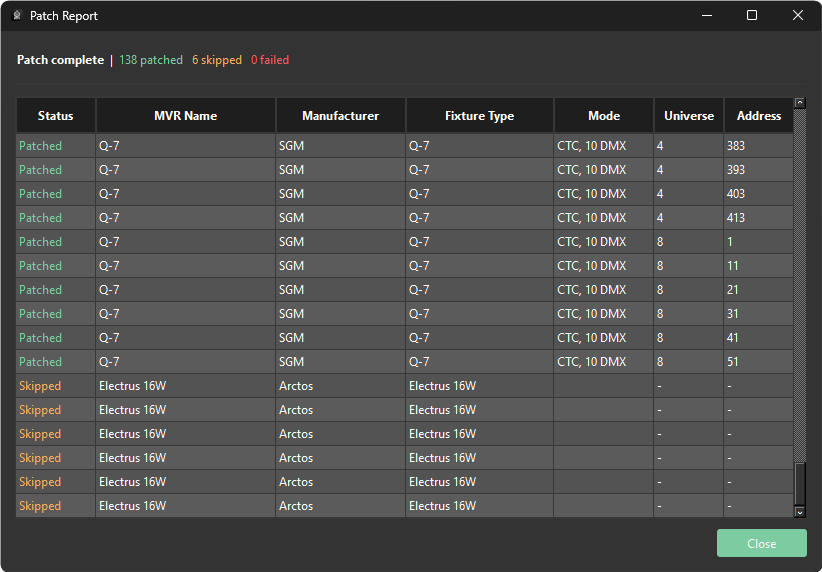
The top of the patch report window shows the overall patch status, along with a count of fixtures that were successful, skipped, and failed.
Below this, a table lists each fixture with the following columns:
| Column | Description |
|---|---|
| Status | The import status of the fixture — patched, skipped, or failed |
| MVR Name | The fixture name from the MVR file |
| Manufacturer | The fixture manufacturer |
| Fixture Type | The fixture type |
| Mode | The fixture DMX mode |
| Universe | The universe the fixture is patched to |
| Address | The fixture DMX address |